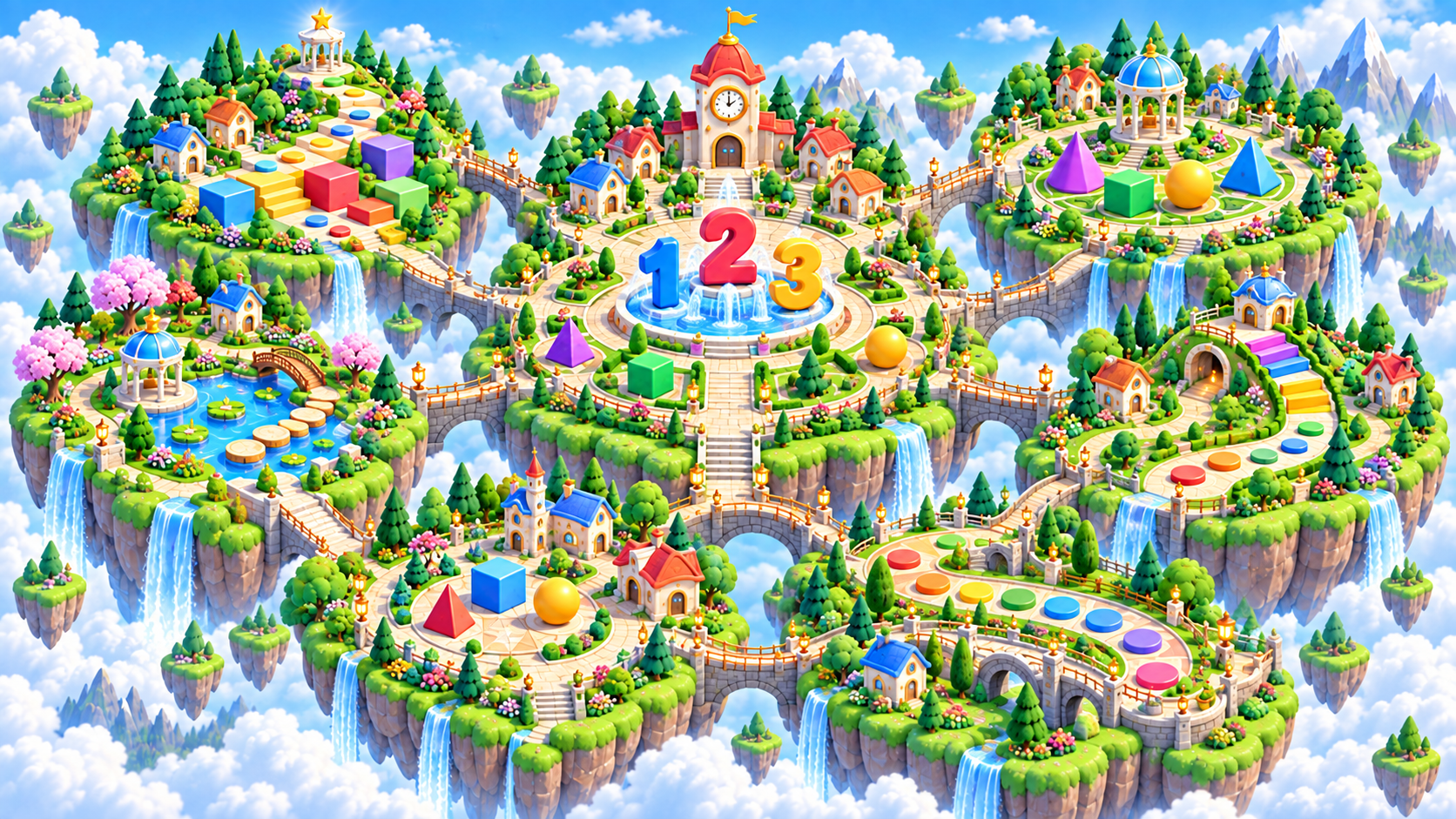
Zoomed aerial view of Number Neighborhood in the Brainopia learning world

Little Steps Realm · Ages 2–3 learning region

Number Neighborhood

Meet numbers, count, compare, and build toward bigger math ideas.
Ready games
34
Coming soon
32
Ready stages
30

Family progress

Keep each learner’s trail separate.

Sign in and choose a learner to show real game and stage progress throughout this region.

Sign in to track

What grows here

Three skills to practice along this trail.

Each game starts small and can grow into longer level paths as the learner is ready.

Numbers and counting

Recognize quantities and connect number symbols with real amounts.

Comparing and grouping

Explore more, less, equal, groups, and simple number relationships.

Operations and reasoning

Build toward addition, subtraction, place value, and multi-step thinking.

Interactive region map

Choose a city in Number Neighborhood.

Each city opens a closer map with its campuses and assigned games.

Number Neighborhood · Ages 4–5

Your Number Neighborhood Game Shelf

This shelf highlights up to 12 games from this learning region and the selected Ages 4–5 path. Use the catalog link for the complete list.
ReadyFree
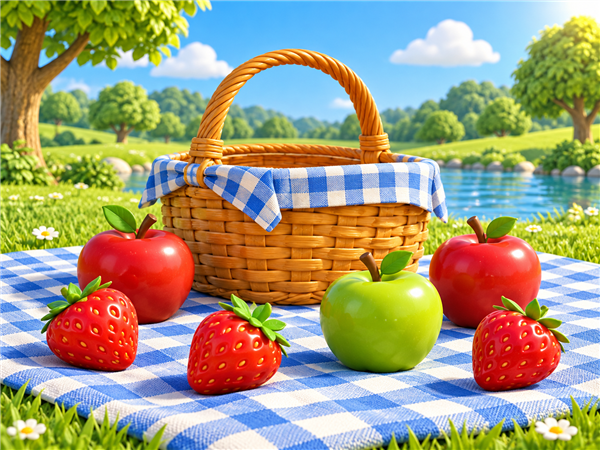
A bright picnic scene for counting fruit.
MathAges 3-6 - count together and point to each spot

Count the Picnic

Count one to five large picnic spots and choose the matching numeral. There is no timer, penalty, advertising, or competitive score.
Ready to playSign in to track
ReadyFree
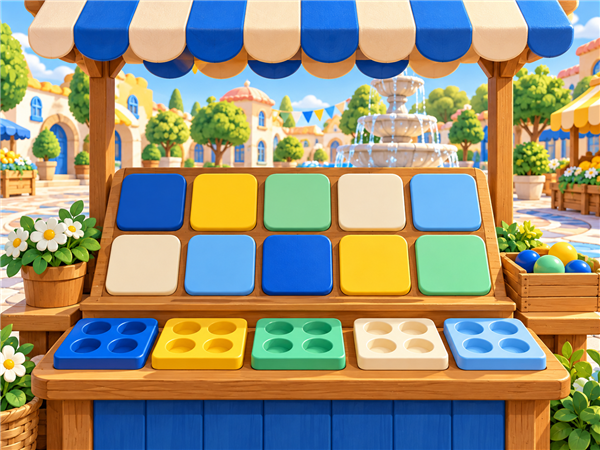
Bright Brainopia number learning scene.
MathAges 3-6 - begin with the familiar numerals one through five

Number Pop

Find five large numerals on a keyboard or touch screen without a timer, penalty, advertising, or competitive score.
15 ready stages0 complete · Sign in to track
ReadyFree
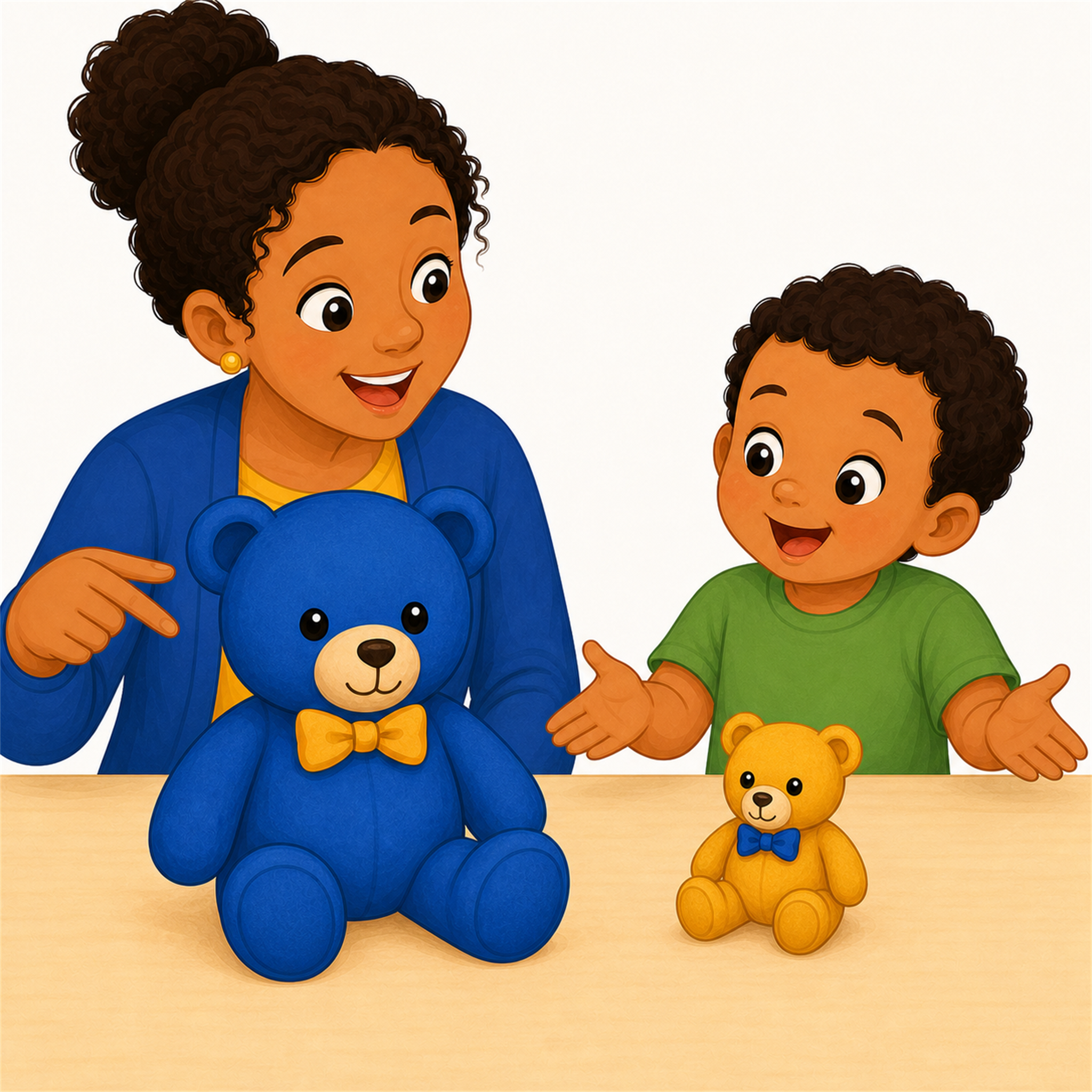
A caregiver and child comparing a big teddy bear with a small teddy bear.
MathAges 2-4

Big or Small?

Compare two familiar objects and choose whether the highlighted one is big or small.
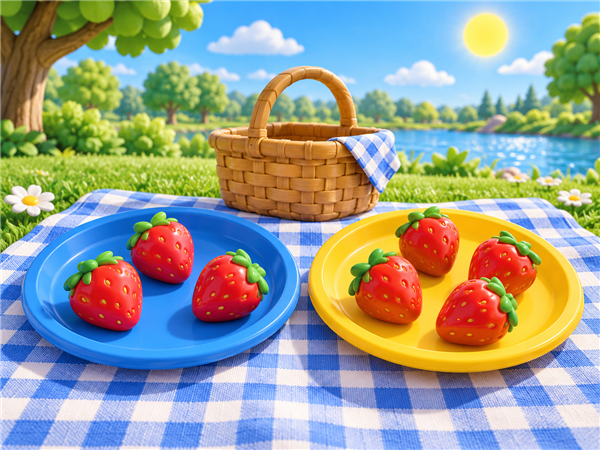
Ready to playSign in to track
ReadyFree
A picnic scene for counting and sharing treats.
MathAges 3-6 - touch or point to each treat while counting aloud

Count and Share

Count small groups of picnic treats before sharing them with friendly characters.
Ready to playSign in to track
ReadyFree
Bright cup stickers arranged beside friendly number cards.
MathAges 2-4 - point to each item once while counting

Cup Count Match

Count five small groups of bright cup stickers and choose the matching number.
Ready to playSign in to track
ReadyFree
Large circle, square, triangle, and rectangle cards being sorted into matching stations.
MathAges 3-5 - name the shape and one clue before choosing

Shape Sort Station

Sort circles, squares, triangles, and rectangles into matching shape stations.
Ready to playSign in to track
ReadyFree
Circle, square, and triangle cards arranged beside friendly number targets.
MathAges 3-5 - point to each shape once while counting

Shape Quantify

Count small groups of friendly shapes and choose the matching number.
Ready to playSign in to track
ReadyFree
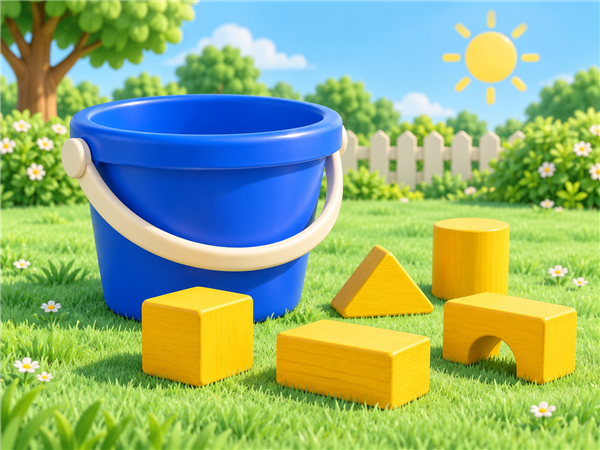
Colorful blocks and a bucket for counting.
MathAges 2-4 - count one item per number word

Tiny Bucket Counts

Count tiny bucket items and choose the matching number bucket.
Ready to playSign in to track
ReadyFree
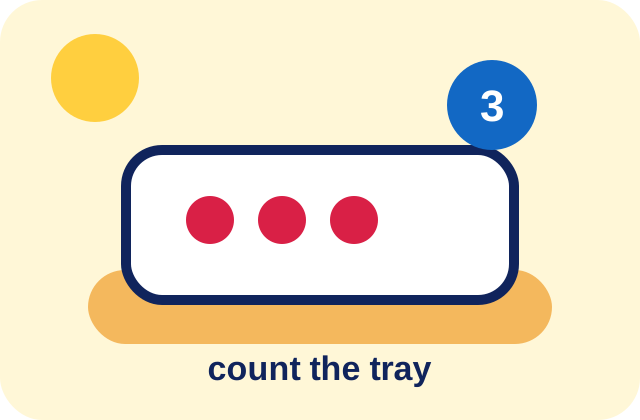
A tiny snack tray with bright countable pieces and friendly number choices.
MathAges 2-5 - count one tray item at a time

Tiny Tray Compare

Count tiny tray items and choose the matching number.
Ready to playSign in to track
ReadyFree
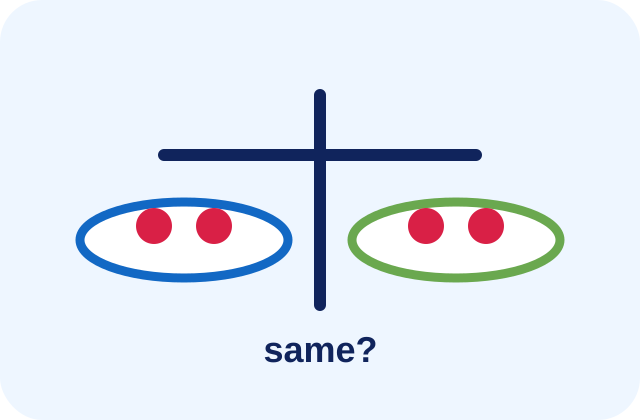
Two cheerful snack plates being compared on a balance-style play mat.
MathAges 2-5 - compare two small groups together

Snack Balance

Compare two snack groups and decide if their amounts are the same or different.
Ready to playSign in to track
ReadyFree
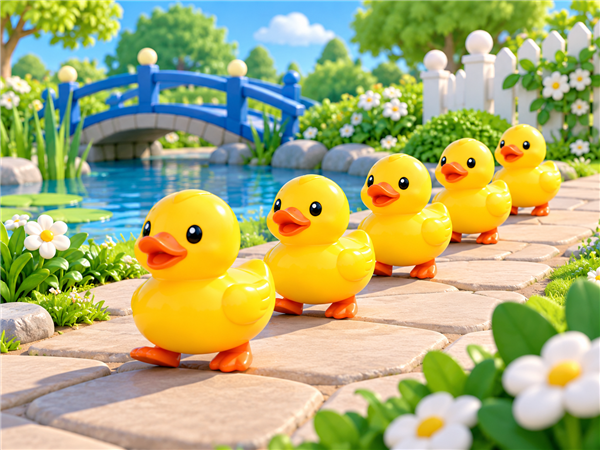
A friendly line of toy ducks for counting.
MathAges 2-5 - count left to right with one touch per object

Tiny Queue Count

Count a tiny row of friendly objects and choose the matching number.
Ready to playSign in to track
ReadyFree
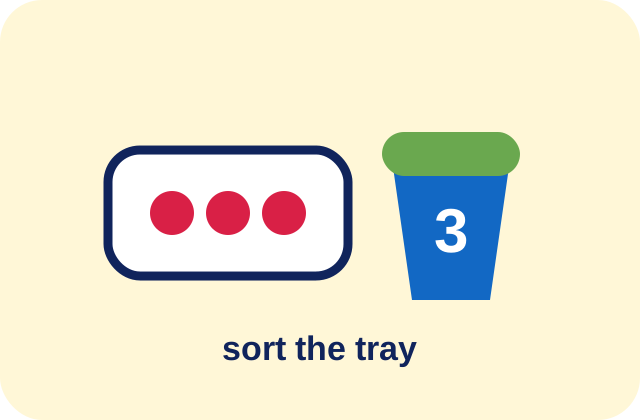
A snack tray being sorted into a friendly number bucket.
MathAges 3-5 - count first, then sort

Snack Tray Sort

Count a snack tray and sort it into the matching number bucket.

Ready to playSign in to track
Your Baby's a Genius app icon

Add the app to your home screen

Your browser may not offer an automatic install prompt yet. Use the steps for your device:

Android or Chrome

Open the browser menu, then choose Install app or Add to Home screen.

iPhone or iPad

In Safari, tap Share, choose Add to Home Screen, and tap Add.

Windows or desktop

Look for the install icon in your address bar, or open the browser menu and choose Install.