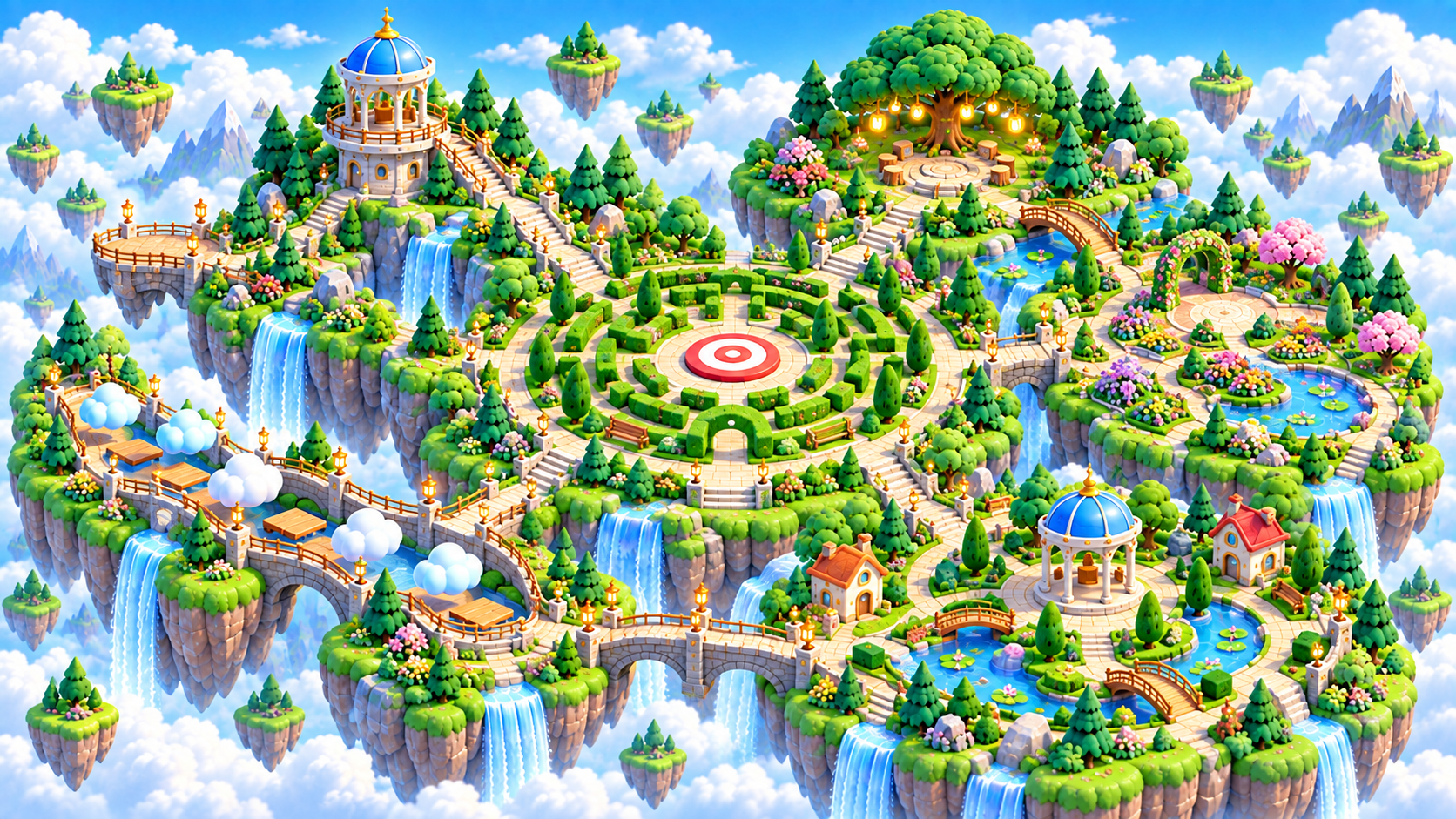
Zoomed aerial view of Focus Island in the Brainopia learning world

Big Ideas Realm · Ages 6–8 learning region

Focus Island

Notice important details, ignore distractions, and follow one rule at a time.
Ready games
10
Coming soon
0
Ready stages
134

What grows here

Three skills to practice along this trail.

Each game starts small and can grow into longer level paths as the learner is ready.

Visual attention

Find the important detail while the rest of the scene stays calm.

Rule following

Hold one simple rule in mind and use it consistently.

Attention control

Ignore distractions, pause when needed, and return to the goal.

Interactive region map

Choose a city in Focus Island.

Each city opens a closer map with its campuses and assigned games.

Welcome, explorer

Guest practice

Try a game. Sign in to keep a personal learning trail.

Sign in to track
One learner. One personal trail.

Games explored, finished rounds, and learning areas stay separate for each learner.

Focus Island · Ages 6–8

Your Focus Island Game Shelf

This shelf highlights up to 12 games from this learning region and the selected Ages 6–8 path. Use the catalog link for the complete list.
ReadyFree
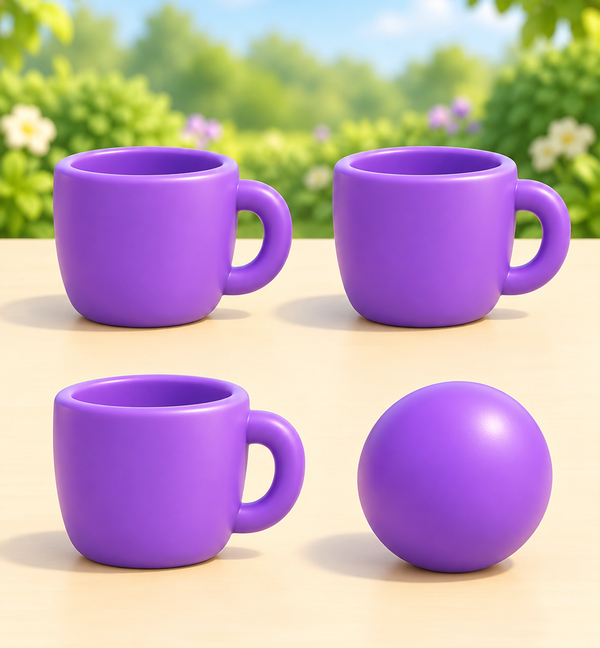
Two matching purple cups above a purple cup and ball invite comparing same and different kinds of objects.

Same or Different?

Details
FocusAges 2-4Canonical learning path · Game 1

Look at two friendly pictures and decide whether they match.

20 ready stages0 complete · Sign in to track

Saved stage progress is unavailable; no Continue stage is guessed.
Learning path lockedExpansion
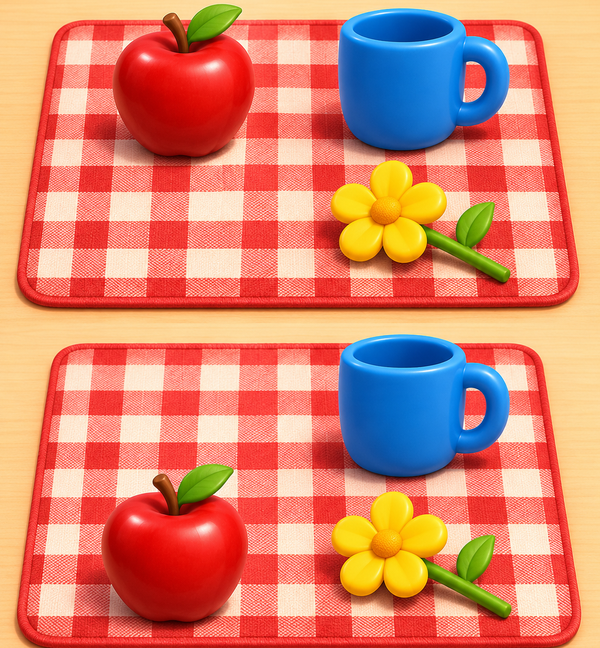
Two picnic mats show an apple moving from upper left to lower left while a blue cup and yellow flower stay in place.

What Changed at the Picnic?

Details
FocusAges 3-6 - compare one calm change at a timeCanonical learning path · Game 2

Compare five friendly Before and After picnic scenes and notice one object that moved, appeared, or disappeared.

Sign in and choose a learner to save progress and unlock the next game.

Practice the previous game →
20 ready stages0 complete · Sign in to track
Learning path lockedExpansion
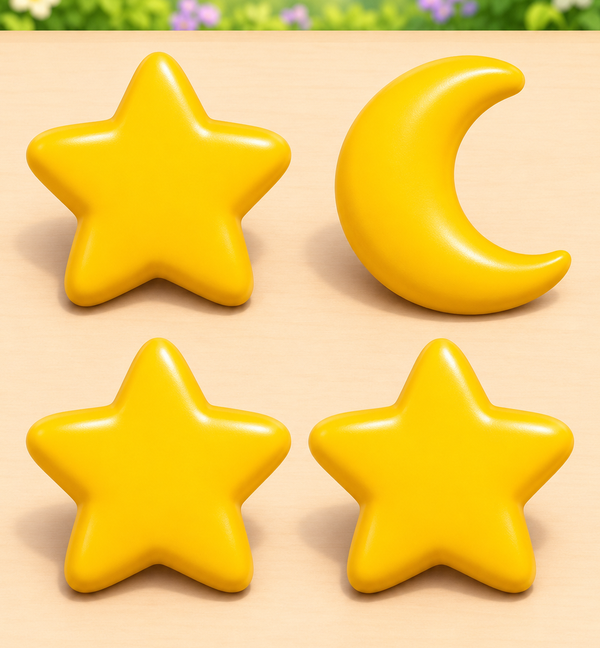
Three gold stars and one gold crescent arranged in a group of four.

Find the Odd One

Details
FocusAges 3–8 · begin with four clear picturesCanonical learning path · Game 3

Scan a calm picture group and choose the one picture that breaks the visible rule.

Sign in and choose a learner to save progress and unlock the next game.

Practice the previous game →
20 ready stages0 complete · Sign in to track
Learning path lockedExpansion
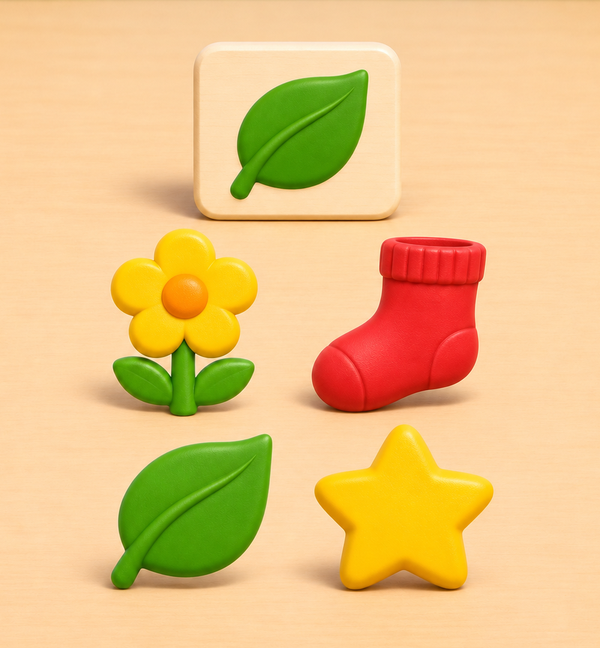
A green leaf reference above a yellow flower, red sock, green leaf and gold star.

Quiet Target Hunt

Details
FocusAges 3–8 · begin with four-picture searchesCanonical learning path · Game 4

Keep one named picture in mind and find it among a calm group of friendly distractors.

Sign in and choose a learner to save progress and unlock the next game.

Practice the previous game →
20 ready stages0 complete · Sign in to track
Learning path lockedExpansion
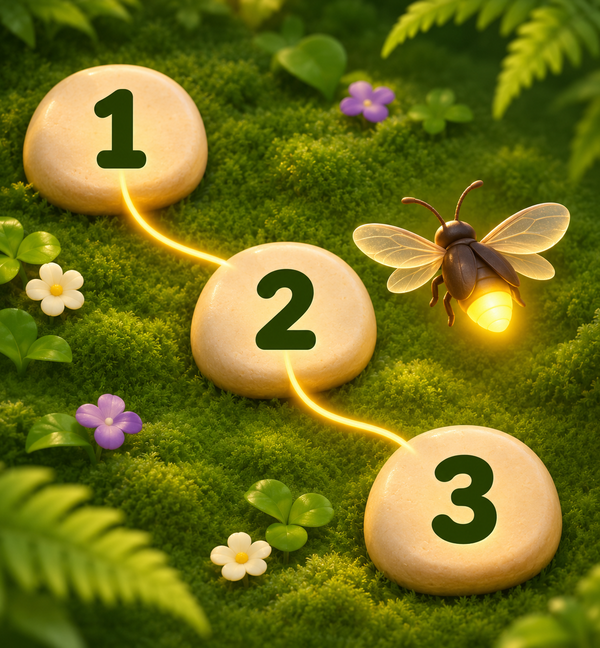
A faceless firefly follows a glowing path through stops numbered one, two and three, from upper left through the center to lower right.

Track the Firefly

Details
FocusAges 3–8 · motion and numbered static pathsCanonical learning path · Game 5

Follow a gentle firefly path and identify its resting corner using motion or a numbered static equivalent.

Sign in and choose a learner to save progress and unlock the next game.

Practice the previous game →
20 ready stages0 complete · Sign in to track
Learning path lockedExpansion
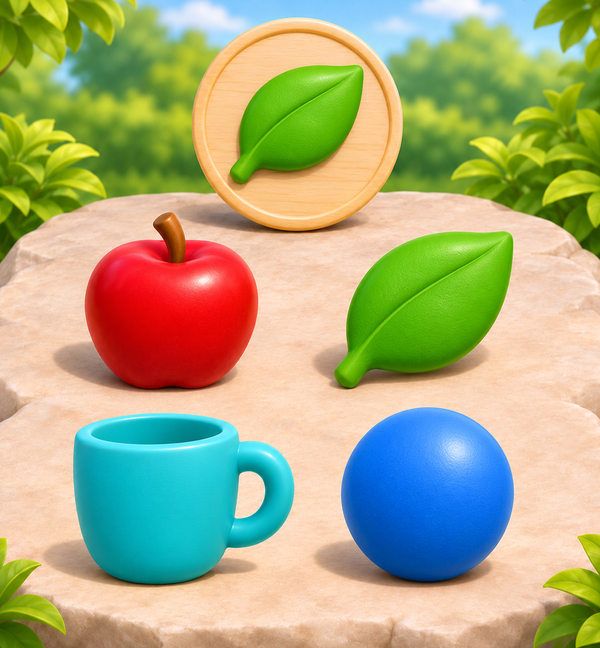
A green leaf reference on a wooden medallion above four objects: a red apple, matching green leaf, turquoise cup and blue ball.

Distractor Garden

Details
FocusAges 3–8 · begin with four calm garden picturesCanonical learning path · Game 6

Keep one garden target in mind and find it among friendly picture distractions.

Sign in and choose a learner to save progress and unlock the next game.

Practice the previous game →
6 ready stages0 complete · Sign in to track
Learning path lockedExpansion
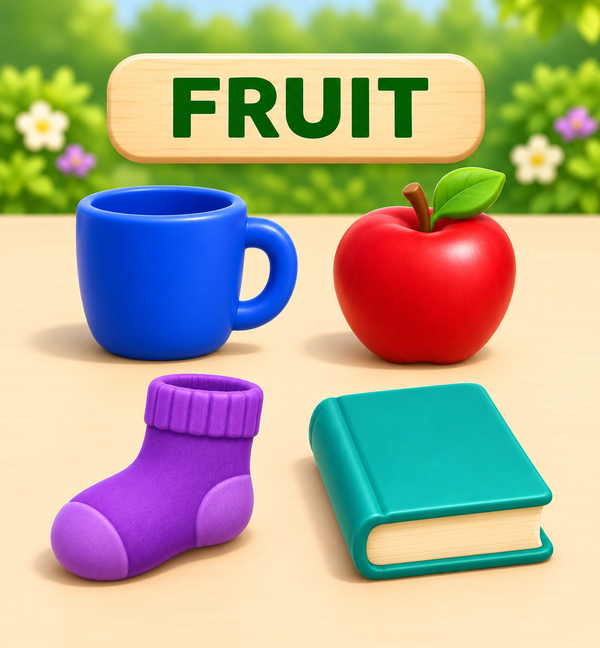
The rule word FRUIT above a blue cup, red apple, purple sock and teal book.

Follow the Rule

Details
FocusAges 3–8 · begin with one familiar rule and four picturesCanonical learning path · Game 7

Keep one clear rule in mind and choose the picture that follows it.

The first ten levels of Distractor Garden are still being prepared. This game will open after that path is ready and completed.

Practice the previous game →
6 ready stages0 complete · Sign in to track
Learning path lockedExpansion
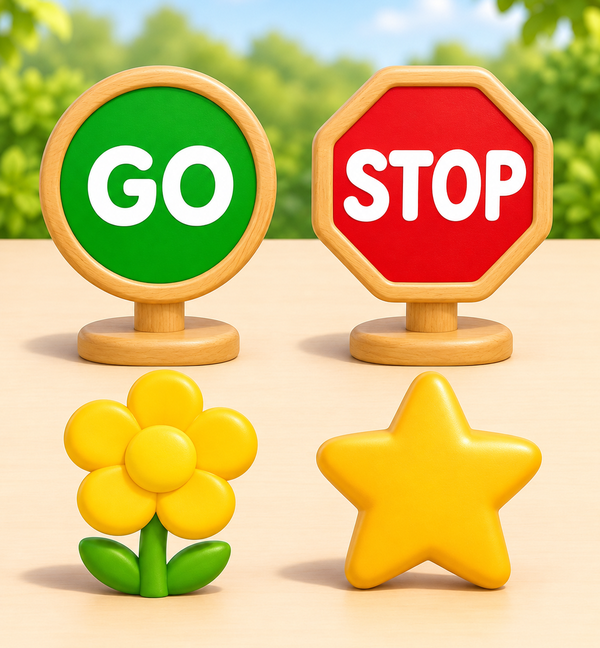
A green circular GO sign above a yellow flower beside a red octagonal STOP sign above a gold star.

Stop and Go Signals

Details
FocusAges 3–8 · untimed Go and Stop choicesCanonical learning path · Game 8

Use a learner-paced Go-or-Stop signal to choose Tap or Wait thoughtfully.

The first ten levels of Follow the Rule are still being prepared. This game will open after that path is ready and completed.

Practice the previous game →
6 ready stages0 complete · Sign in to track
Learning path lockedExpansion
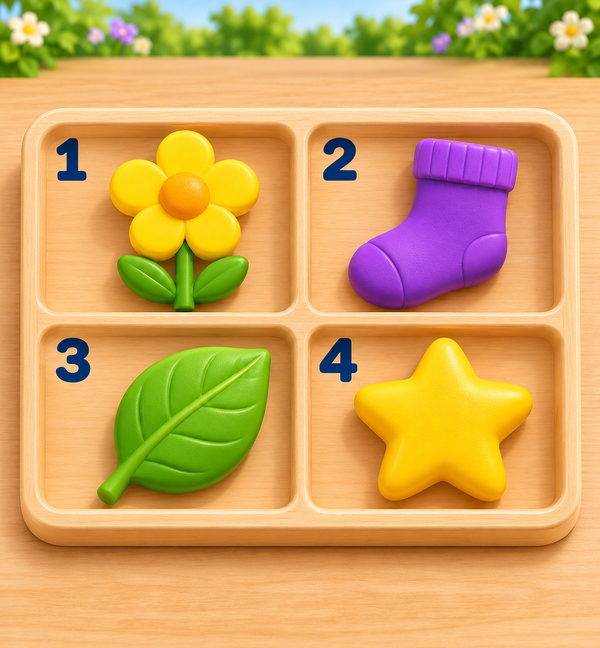
Four wooden compartments numbered one to four hold a yellow flower, purple sock, green leaf and gold star.

Detail Detective

Details
FocusAges 3–8 · begin with four numbered positionsCanonical learning path · Game 9

Inspect a numbered picture scene and answer one precise position question.

The first ten levels of Stop and Go Signals are still being prepared. This game will open after that path is ready and completed.

Practice the previous game →
10 ready stages0 complete · Sign in to track
Learning path lockedExpansion
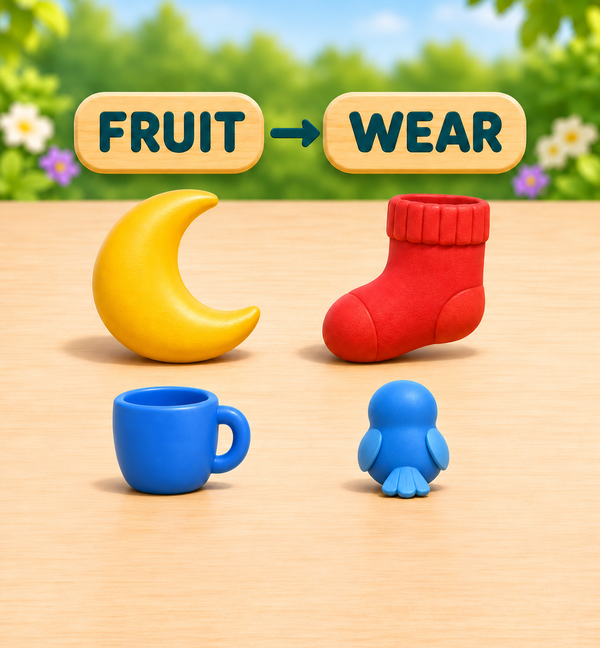
A rule changes from FRUIT to WEAR above a moon, red sock, blue cup and rear-facing faceless blue bird.

Focus Switch

Details
FocusAges 3–8 · every rule change is visibleCanonical learning path · Game 10

Pause for each clearly announced rule change and choose the picture that follows the current rule.

Sign in and choose a learner to save progress and unlock the next game.

Practice the previous game →
6 ready stages0 complete · Sign in to track
Your Baby's a Genius app icon

Add the app to your home screen

Your browser may not offer an automatic install prompt yet. Use the steps for your device:

Android or Chrome

Open the browser menu, then choose Install app or Add to Home screen.

iPhone or iPad

In Safari, tap Share, choose Add to Home Screen, and tap Add.

Windows or desktop

Look for the install icon in your address bar, or open the browser menu and choose Install.