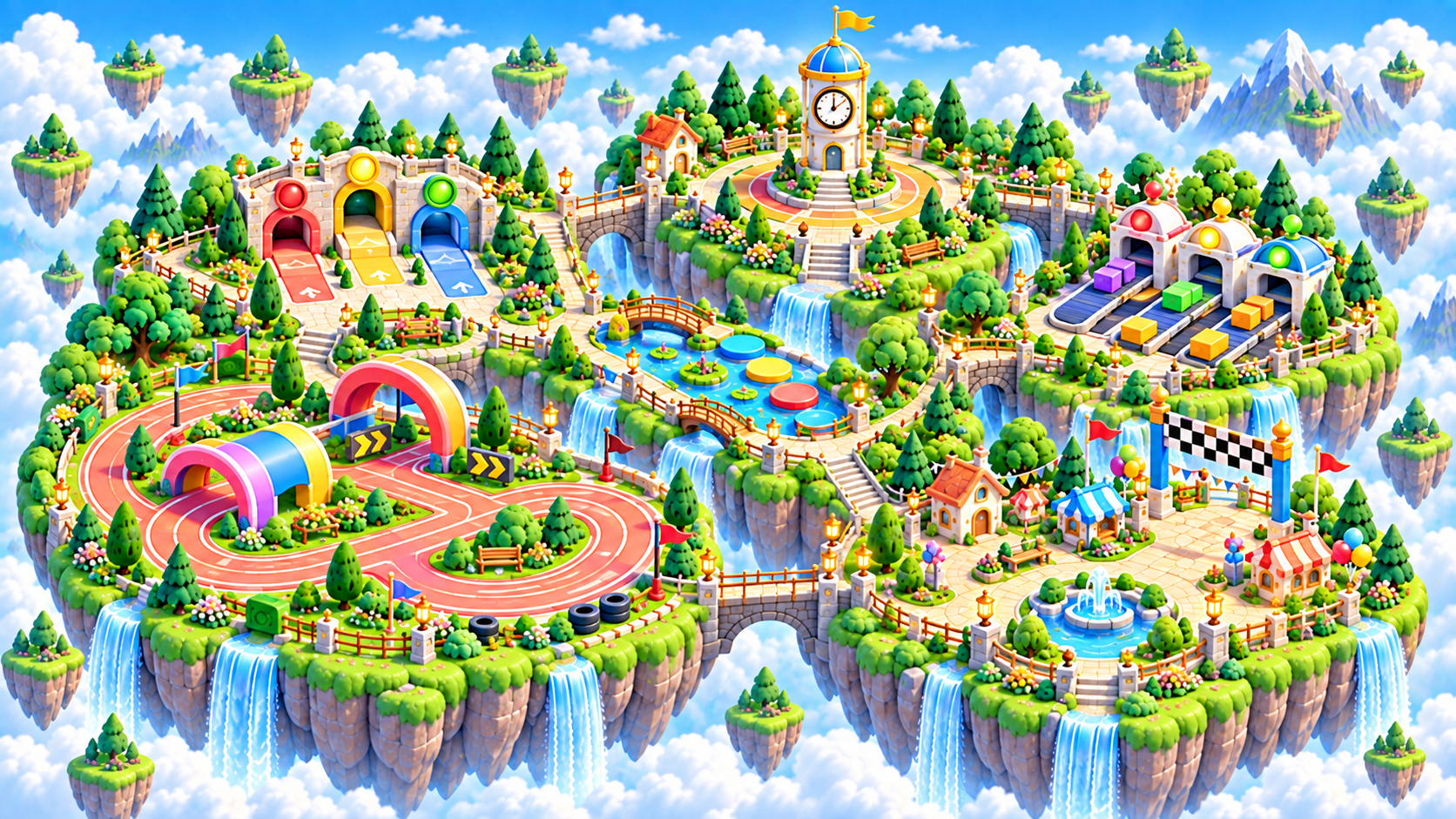
Zoomed aerial view of Quickstep Quarter in the Brainopia learning world

Big Ideas Realm · Ages 6–8 learning region

Quickstep Quarter

Build accurate recognition first, then add optional pace as confidence grows.
Ready games
10
Coming soon
0
Ready stages
24

Family progress

Keep each learner’s trail separate.

Sign in and choose a learner to show real game and stage progress throughout this region.

Sign in to track

What grows here

Three skills to practice along this trail.

Each game starts small and can grow into longer level paths as the learner is ready.

Quick recognition

Notice a familiar shape, direction, picture, or pattern accurately.

Choice speed

Make a clear choice with fewer pauses as confidence grows.

Flexible switching

Change between simple rules while keeping accuracy ahead of speed.

Interactive region map

Choose a city in Quickstep Quarter.

Each city opens a closer map with its campuses and assigned games.

Quickstep Quarter · Ages 6–8

Your Quickstep Quarter Game Shelf

This shelf highlights up to 12 games from this learning region and the selected Ages 6–8 path. Use the catalog link for the complete list.
ReadyIncluded
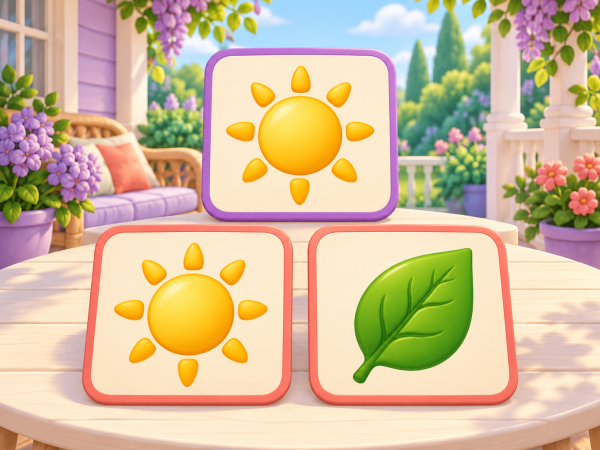
Picture Quick Pick picture-learning garden.
SpeedAges 4–8 · calm picture recognition with a grown-up nearby

Picture Quick Pick

Untimed picture searches progress from individual matches to wider grids and ordered pairs. Keep the reference visible and take as long as you need.
15 ready stages0 complete · Sign in to track
ReadyIncluded
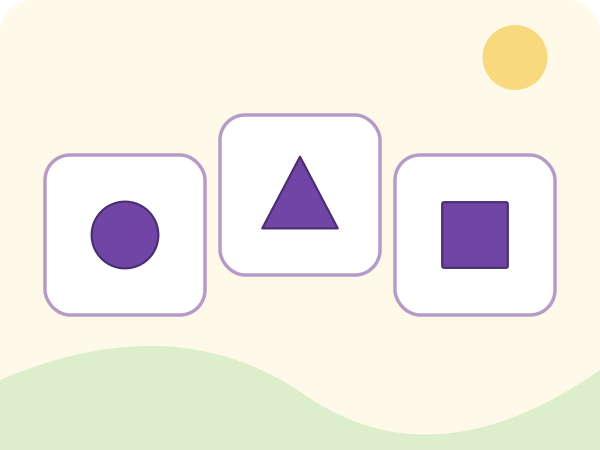
Shape Snap picture-learning garden.
SpeedAges 2–8 · untimed accuracy before optional pace

Shape Snap

Recognize a visible target shape among a small set of clear choices.
9 ready stages0 complete · Sign in to track
ReadyIncluded
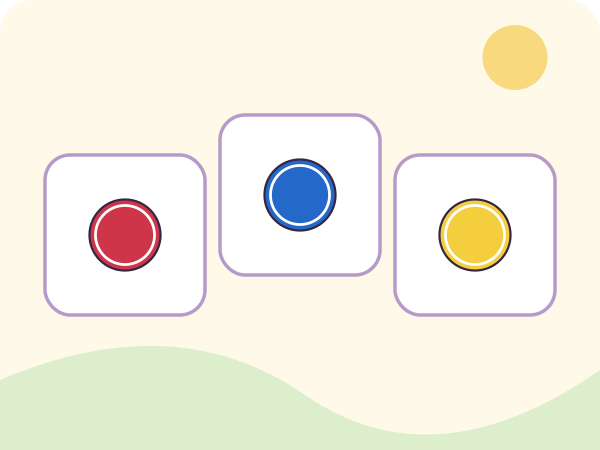
Color Dash picture-learning garden.
SpeedAges 3–8 · untimed accuracy before optional pace

Color Dash

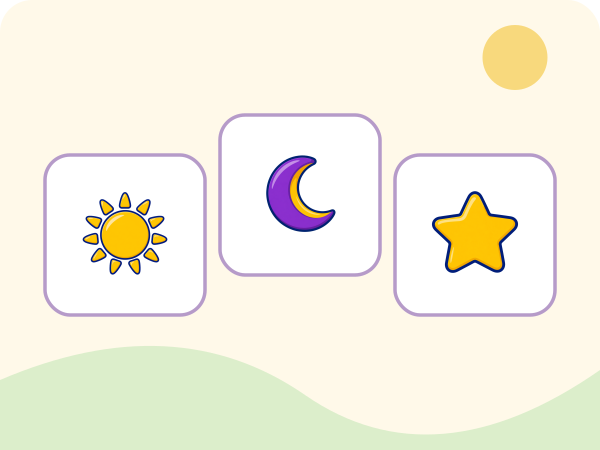
Find a requested color using both its visible swatch and written label.
Ready to playSign in to track
ReadyIncluded
Symbol Scan picture-learning garden.
SpeedAges 3–8 · untimed accuracy before optional pace

Symbol Scan

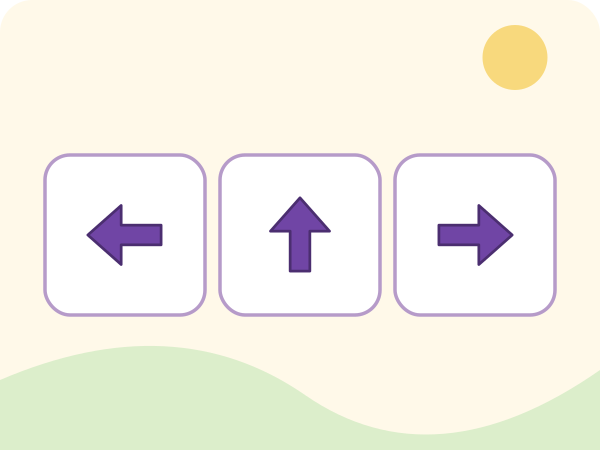
Scan a compact field and find the familiar symbol that matches the visible reference.
Ready to playSign in to track
ReadyIncluded
Direction Quick Pick picture-learning garden.
SpeedAges 3–8 · untimed accuracy before optional pace

Direction Quick Pick

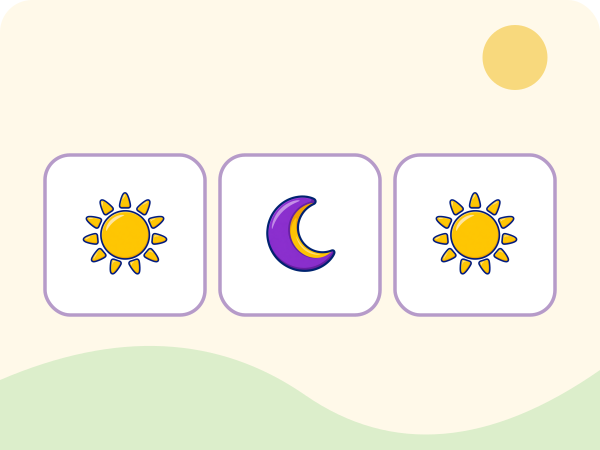
Match a visible direction arrow to its labeled direction.
Ready to playSign in to track
ReadyIncluded
Pair Pop picture-learning garden.
SpeedAges 3–8 · untimed accuracy before optional pace

Pair Pop

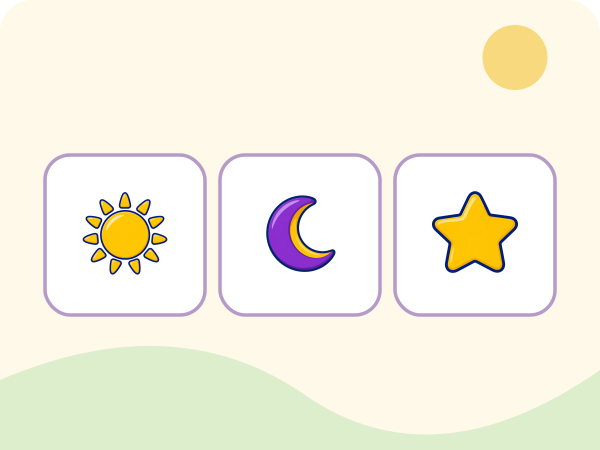
Scan a small field and identify the one familiar symbol that appears twice.
Ready to playSign in to track
ReadyIncluded
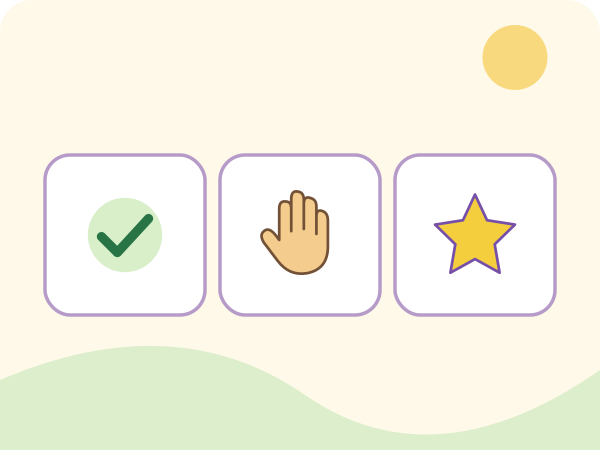
Pattern Spot picture-learning garden.
SpeedAges 3–8 · untimed accuracy before optional pace

Pattern Spot

Compare a visible ordered pattern with several compact pattern choices.
Ready to playSign in to track
ReadyIncluded
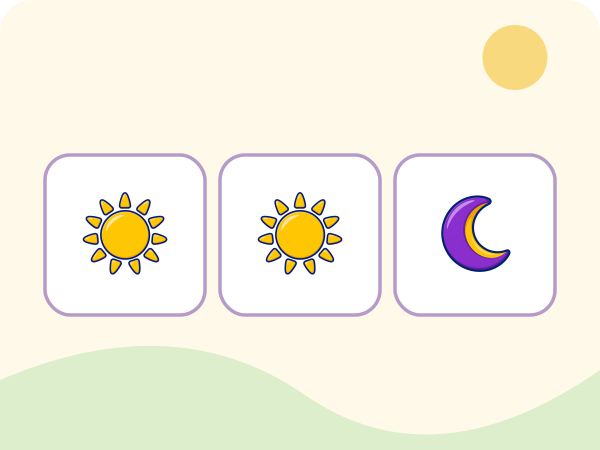
Signal Tap picture-learning garden.
SpeedAges 3–8 · untimed accuracy before optional pace

Signal Tap

Read a clear visual signal and choose Tap or Wait without reaction pressure.
Ready to playSign in to track
ReadyIncluded
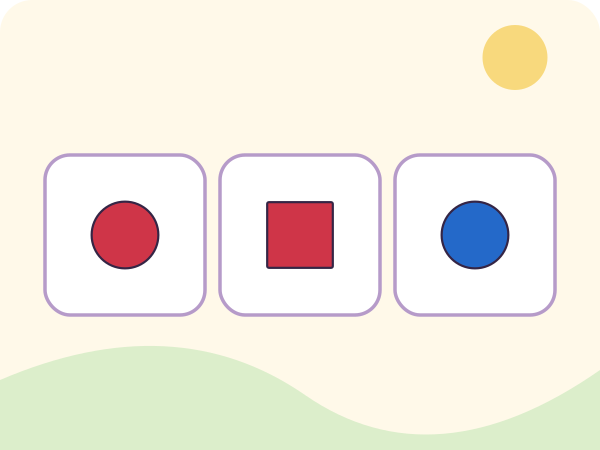
Quick Match picture-learning garden.
SpeedAges 3–8 · untimed accuracy before optional pace

Quick Match

Compare two visible familiar symbols and decide whether they are the same or different.
Ready to playSign in to track
ReadyIncluded
Rule Switch picture-learning garden.
SpeedAges 3–8 · untimed accuracy before optional pace

Rule Switch

Use the clearly announced color or shape rule to choose the matching picture.

Ready to playSign in to track
Your Baby's a Genius app icon

Add the app to your home screen

Your browser may not offer an automatic install prompt yet. Use the steps for your device:

Android or Chrome

Open the browser menu, then choose Install app or Add to Home screen.

iPhone or iPad

In Safari, tap Share, choose Add to Home Screen, and tap Add.

Windows or desktop

Look for the install icon in your address bar, or open the browser menu and choose Install.