Picture Quick Pick
Details
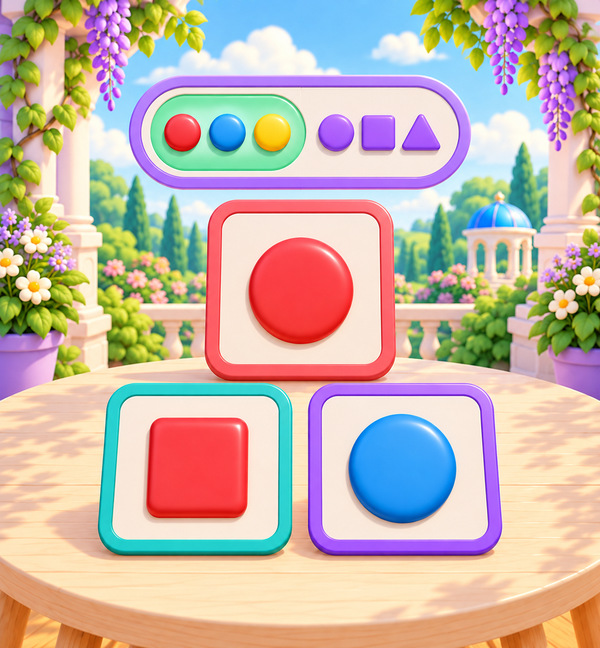
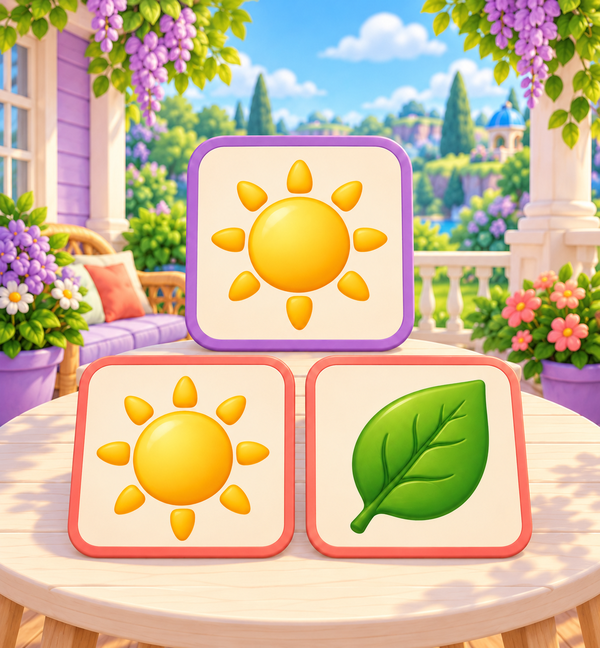
Untimed picture searches progress from individual matches to wider grids and ordered pairs. Keep the reference visible and take as long as you need.
Enter the world ↓
Brainopia by Your Baby’s a Genius
Start with a realm, pick a learning area, and find a small game to try together.
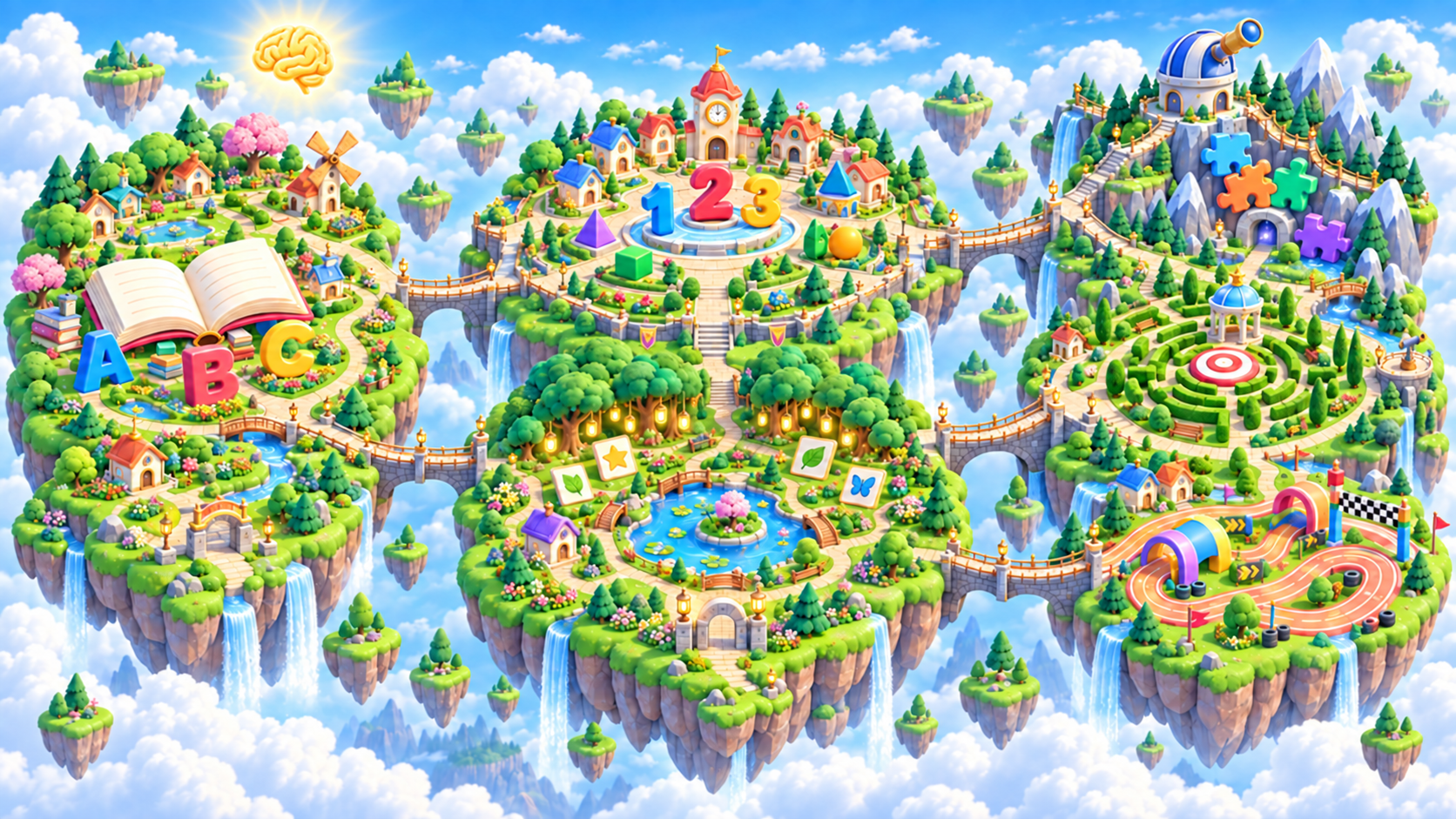
Interactive world map
Hover or tap a realm to see its islands. Choose Go here to explore its map and games below.
Ages 2–3 · 67 ready games
Start on Word Island with gentle letter, sound, and early language games.
Ages 4–5 · 43 ready games
Explore Math Island and Memory Island through numbers, pictures, patterns, and recall.
Ages 6–8 · 31 ready games
Visit Speed Island, Focus Island, and Problem Island for careful choices, attention, planning, and puzzles.
Choose your realm
Pick the realm that fits today. Your map and game shelf follow along.
Start on Word Island with gentle letter, sound, and early language games.
Explore this realm → Ages 4–5Explore Math Island and Memory Island through numbers, pictures, patterns, and recall.
Explore this realm → Ages 6–8Visit Speed Island, Focus Island, and Problem Island for careful choices, attention, planning, and puzzles.
✓ Exploring nowYour selected realm
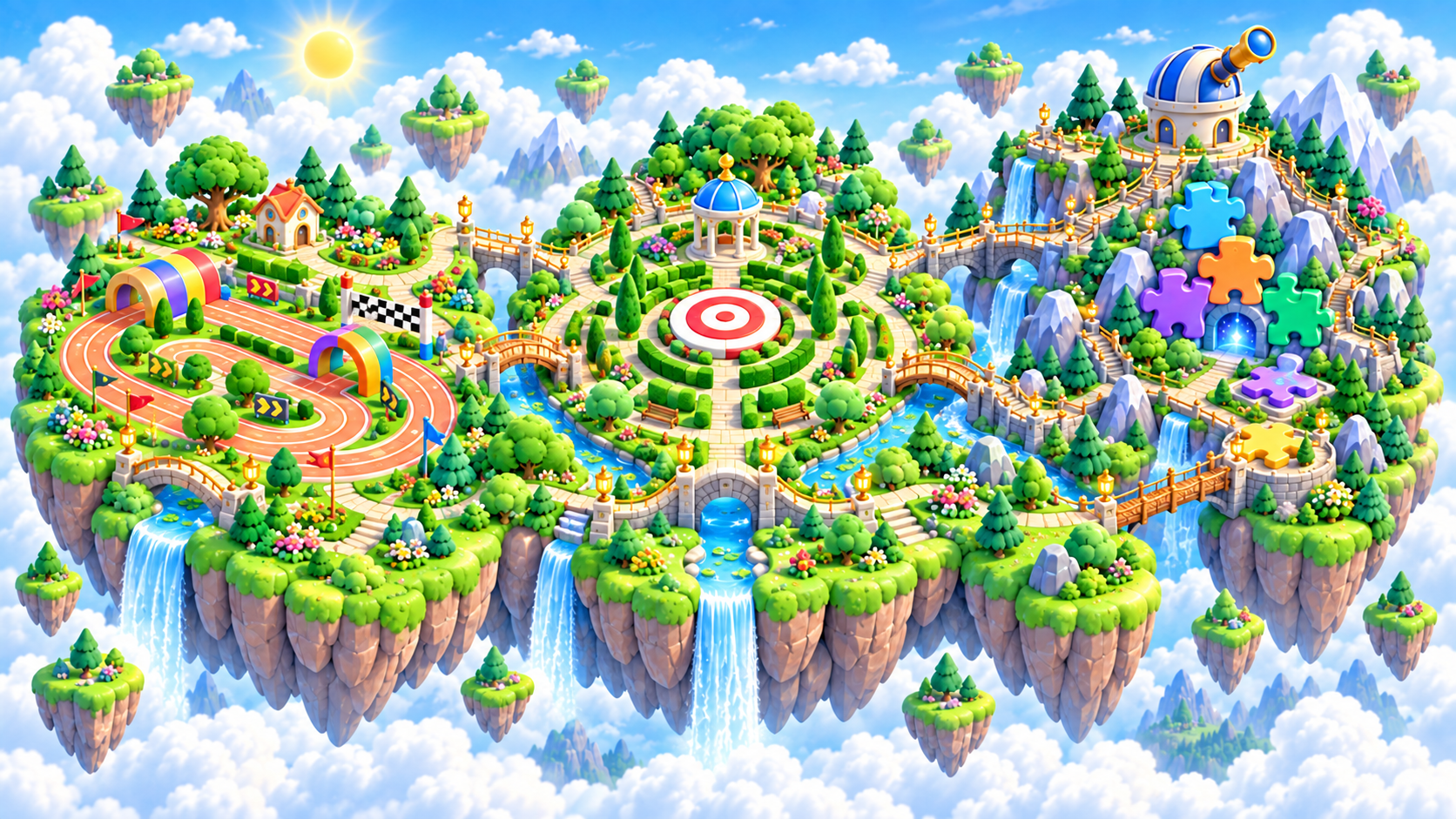
Ages 6–8 · Hover or tap an island to discover what grows there.
Big Ideas Realm
Build accurate recognition first, then add optional pace as confidence grows.
Go here Show games below ↓Big Ideas Realm
Notice important details, ignore distractions, and follow one rule at a time.
Go here Show games below ↓Big Ideas Realm
Fit pieces, spot patterns, plan routes, and solve one small step at a time.
Go here Show games below ↓Ways to explore
Ages 6–8 · Speed Island
Up to 12 games from your selected island and age realm. Pick a realm on the world map, then choose an island in your dashboard to change this shelf.
Untimed picture searches progress from individual matches to wider grids and ordered pairs. Keep the reference visible and take as long as you need.
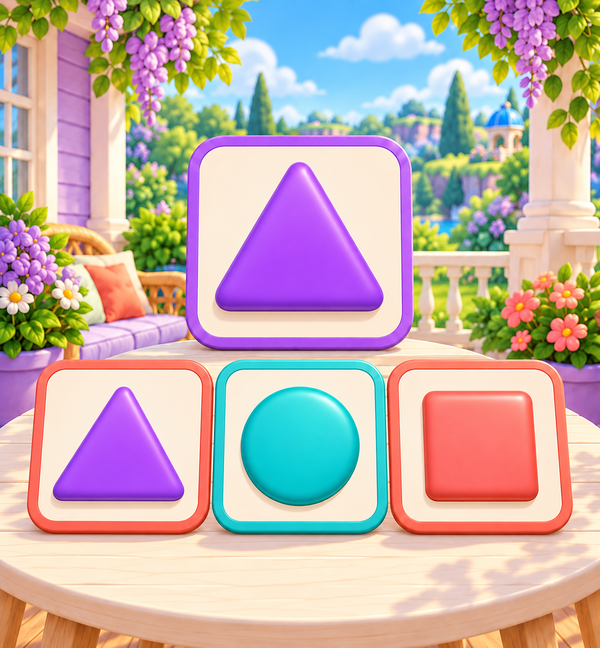
Recognize a visible target shape among a small set of clear choices.
Sign in and choose a learner to save progress and unlock the next game.
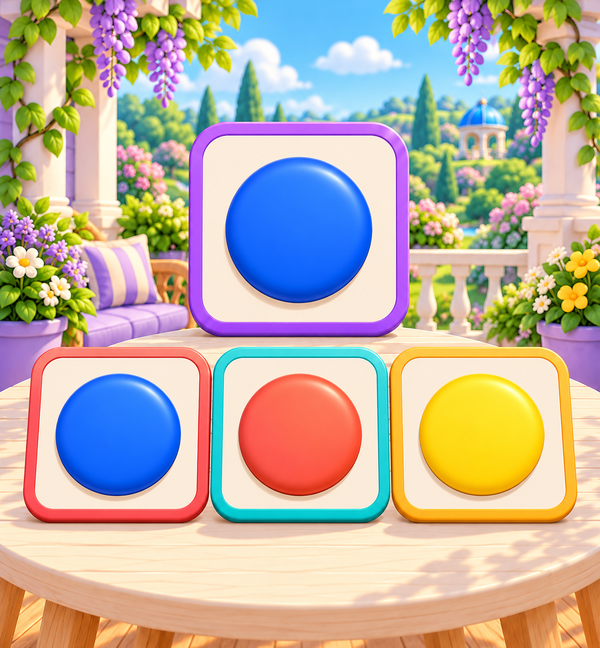
Practice the previous game →Find a requested color using both its visible swatch and written label.
Sign in and choose a learner to save progress and unlock the next game.
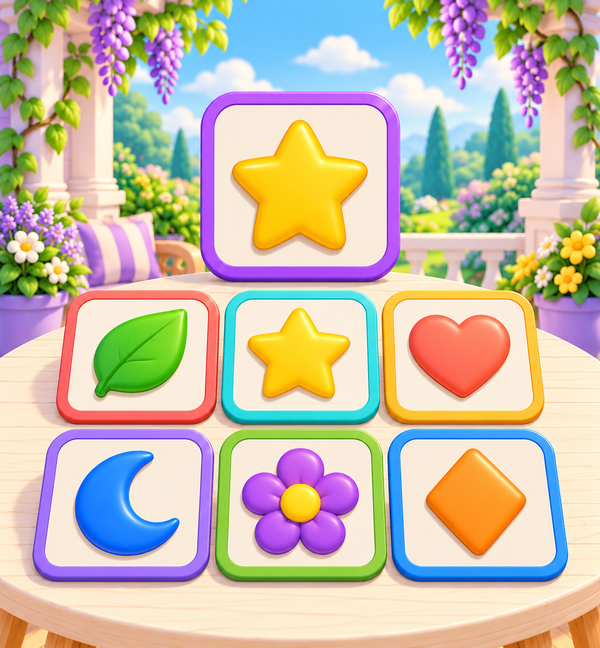
Practice the previous game →Scan a compact field and find the familiar symbol that matches the visible reference.
Sign in and choose a learner to save progress and unlock the next game.
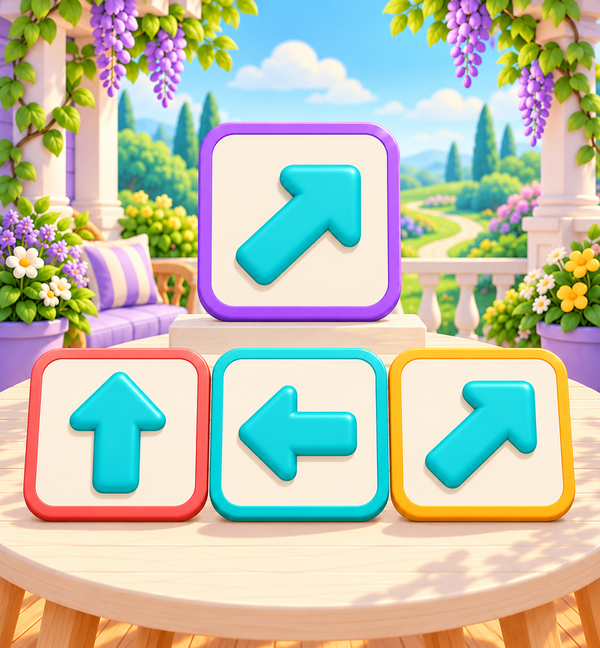
Practice the previous game →Match a visible direction arrow to its labeled direction.
Sign in and choose a learner to save progress and unlock the next game.
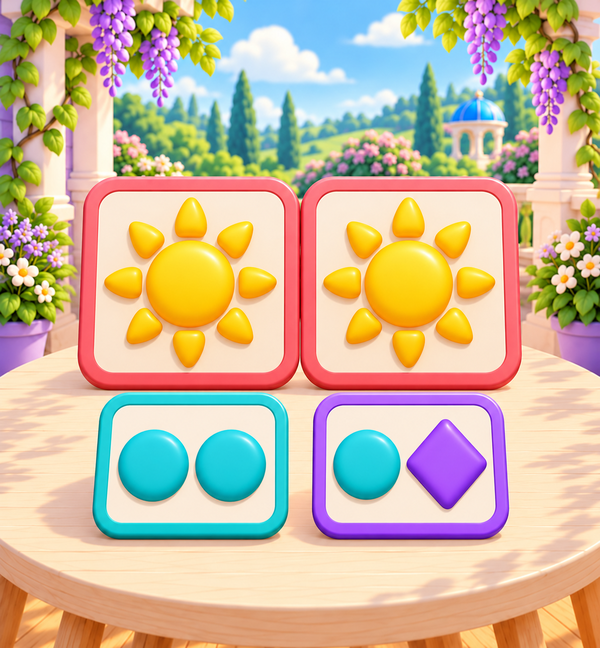
Practice the previous game →Compare two visible familiar symbols and decide whether they are the same or different.
Sign in and choose a learner to save progress and unlock the next game.
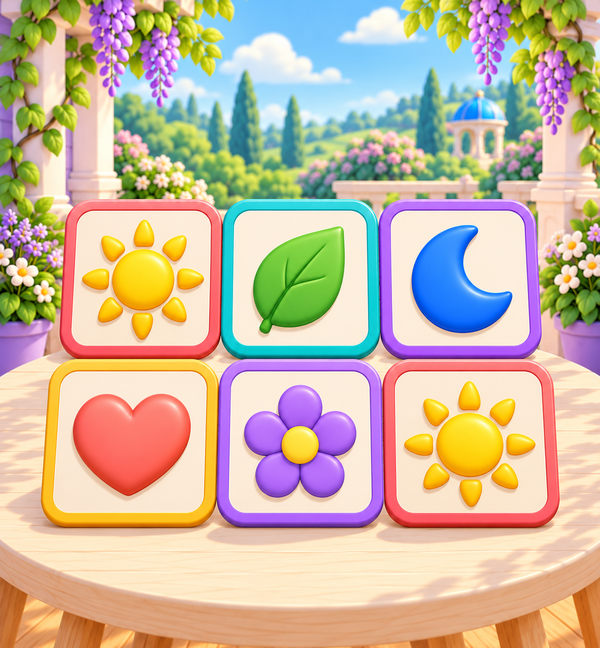
Practice the previous game →Scan a small field and identify the one familiar symbol that appears twice.
Sign in and choose a learner to save progress and unlock the next game.
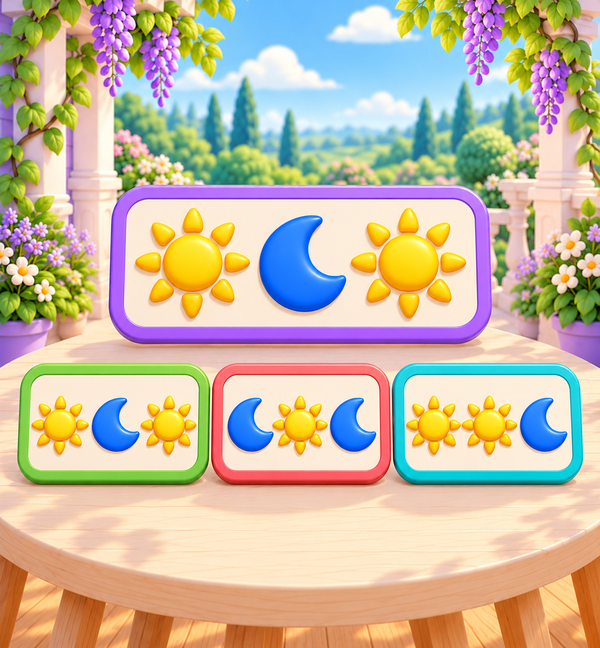
Practice the previous game →Compare a visible ordered pattern with several compact pattern choices.
Sign in and choose a learner to save progress and unlock the next game.
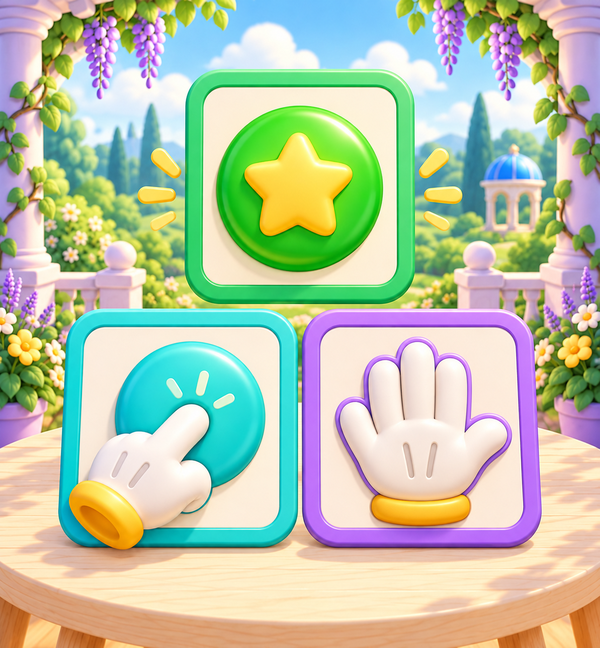
Practice the previous game →Read a clear visual signal and choose Tap or Wait without reaction pressure.
The first ten levels of Pattern Spot are still being prepared. This game will open after that path is ready and completed.
Practice the previous game →Use the clearly announced color or shape rule to choose the matching picture.
The first ten levels of Signal Tap are still being prepared. This game will open after that path is ready and completed.
Practice the previous game →